Coming soon
Design your own watch face. Right in the browser.
The Facecraft editor is the tool we build our own faces with. We are getting it ready for everyone. Leave your e-mail and you hear first.
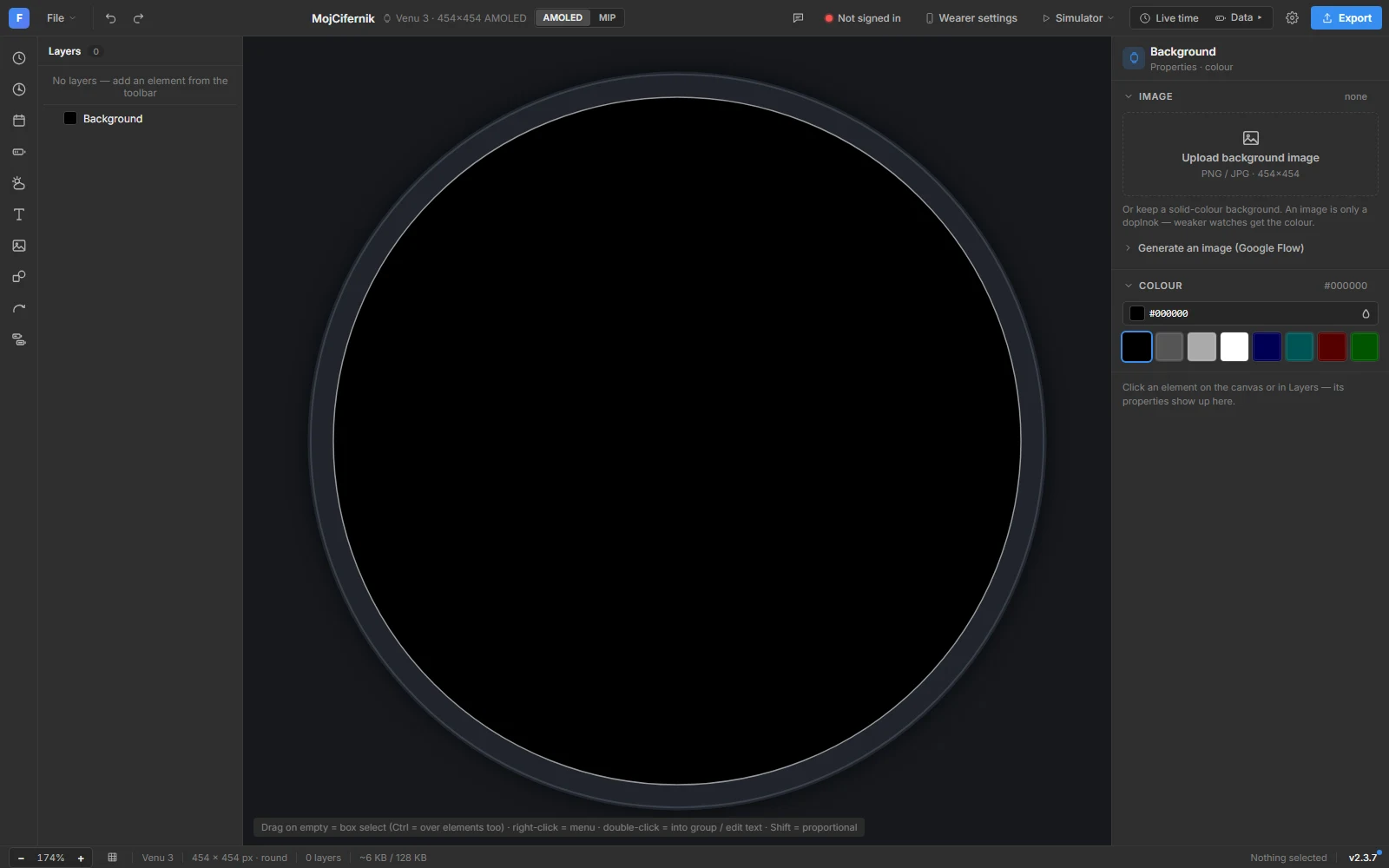
What it will do
- Layers you can see
Background, hands, rings, text and icons as layers. Drag, resize, reorder. The preview is the real face.
- Live data in the preview
Steps, heart rate, battery, weather and body battery with sample values, so the layout is right before it hits the wrist.
- Built per screen
One design, every Garmin screen. The editor knows the resolution and display type of 100+ models and adapts the face to each.
- AMOLED and MIP aware
Always-on mode, burn-in rules and the 64-colour MIP palette are handled for you.
- Export or publish
Download a complete Connect IQ project, or publish the face on this site and let people install it.
- Remix
Open any face from this studio in the editor, change the colours or the layout, make it yours.
Questions
- Will it be free?
- Designing and exporting your own face: yes. A paid tier for publishing, analytics and version history is planned, like the rest of the site it stays ad-supported.
- How does a face get onto the watch?
- Garmin only installs faces through the Connect IQ Store. The editor exports a project you can submit under your own developer account, or you publish it through this studio.
- Which watches?
- Every model on the watches page: AMOLED and MIP, round and the few rectangular ones.