Watches / Instinct
Watch faces for Garmin Instinct E 40mm
20 faces are built for the Instinct E 40mm: 166×166 pixels, MIP screen, Connect IQ 6.0.2.
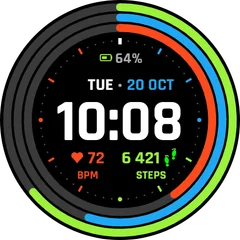 NewFitness Rings Digital
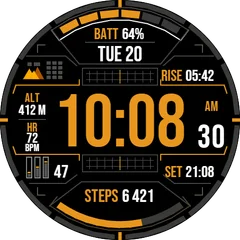 NewTactical Orange Digital
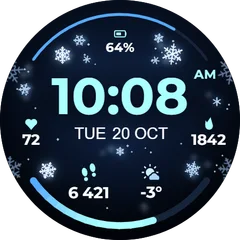 NewSnowflake Winter Digital
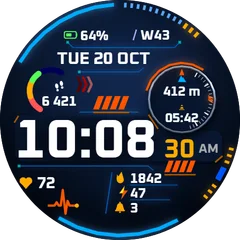 NewTitan Tactical Digital
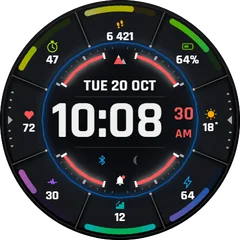 1+1Sector Pro
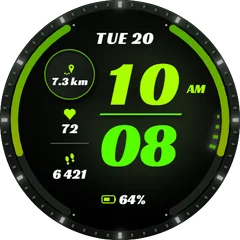 Lime Runner
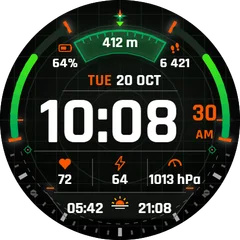 NewTactical Compass
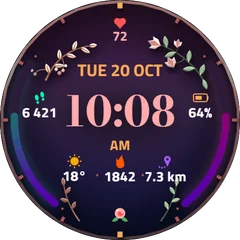 Botanical Rose
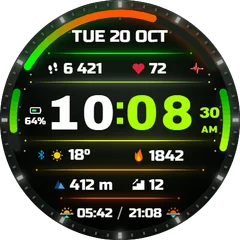 Spectrum Sport
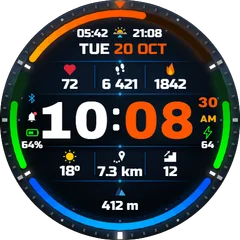 NewApex Dual
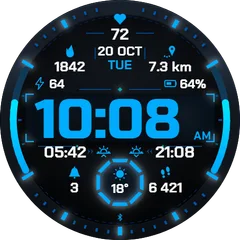 1+1Ice Ops
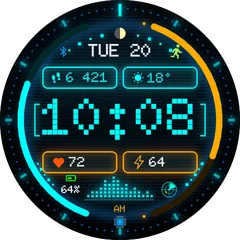 1+1Neon HUD
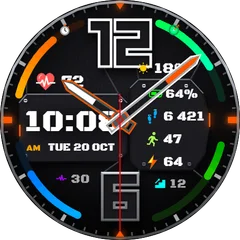 Carbon Hybrid
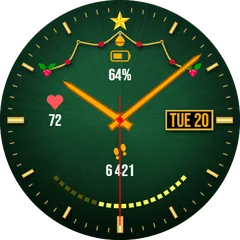 1+1Golden Noel
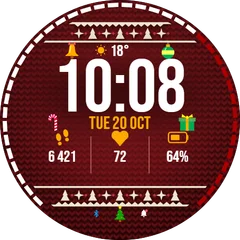 1+1Nordic Sweater
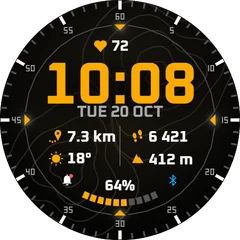 Summit Topo
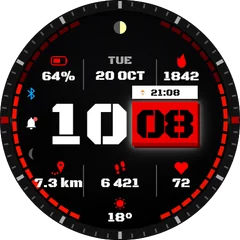 NewSplit Tactical
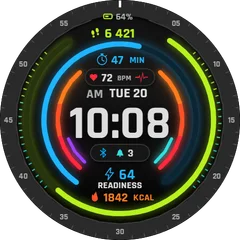 Coming soonNeon Fitness Rings Digital
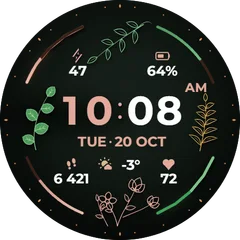 Coming soonFlower Elegant Digital
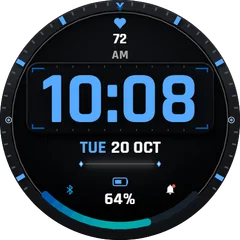 Coming soonMinimal Blue Digital
How to put a face on your Instinct E 40mm
- Open a face here and choose “Get it in the Connect IQ Store”.
- Install it with the Connect IQ app on your phone. It reaches the watch at the next sync.
- Change its colours and data fields in the face settings in Garmin Connect or Connect IQ.