Watches / Venu
Watch faces for Garmin Venu 4 45mm / D2 Air X15
27 faces are built for the Venu 4 45mm / D2 Air X15: 454×454 pixels, AMOLED screen, Connect IQ 6.0.3.
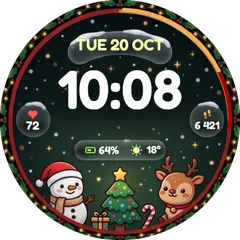 NewChristmas Cozy Friends
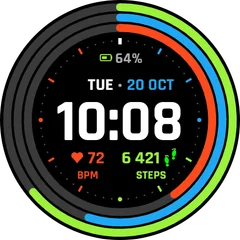 NewFitness Rings Digital
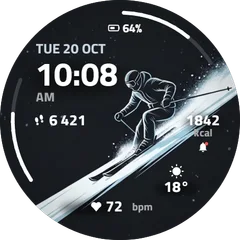 NewSki Winter Sport Digital
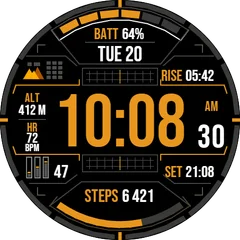 NewTactical Orange Digital
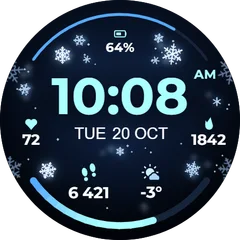 NewSnowflake Winter Digital
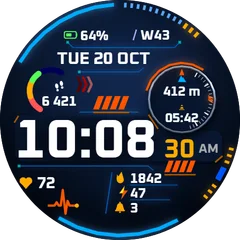 NewTitan Tactical Digital
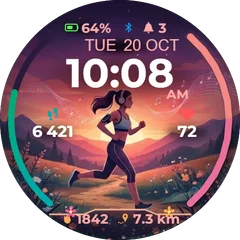 NewSunset Running Woman
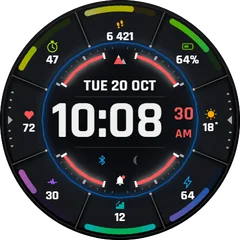 1+1Sector Pro
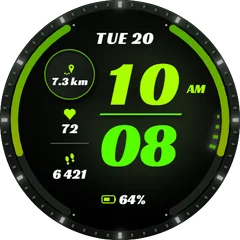 Lime Runner
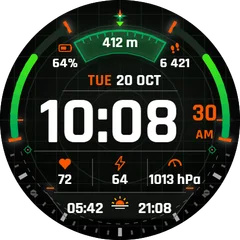 NewTactical Compass
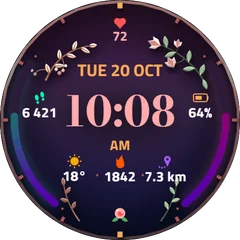 Botanical Rose
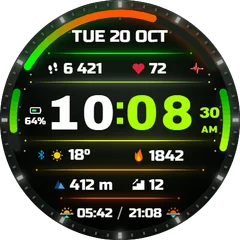 Spectrum Sport
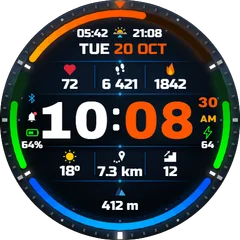 NewApex Dual
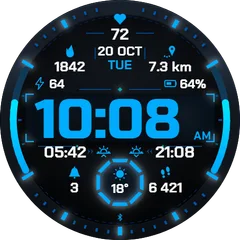 1+1Ice Ops
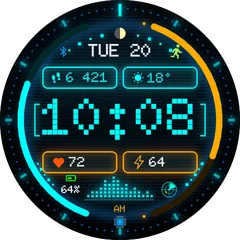 1+1Neon HUD
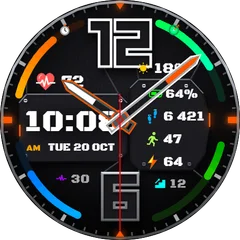 Carbon Hybrid
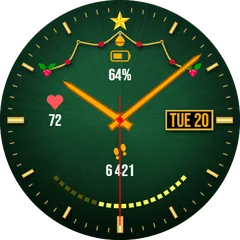 1+1Golden Noel
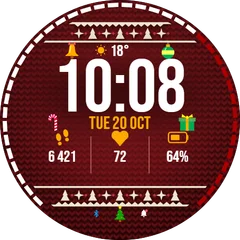 1+1Nordic Sweater
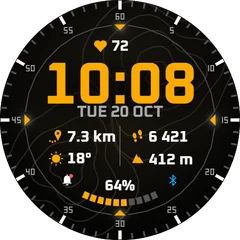 Summit Topo
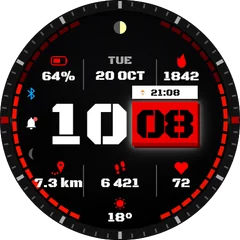 NewSplit Tactical
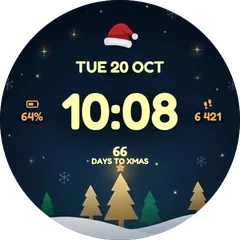 Coming soonChristmas Santa Night
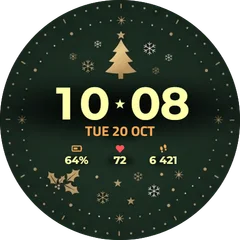 Coming soonGolden Christmas Tree
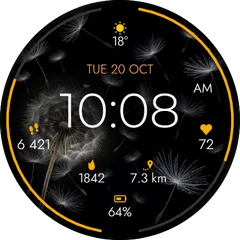 Coming soonDandelion Minimal Nature
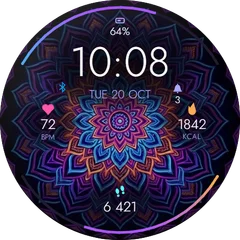 Coming soonNeon Mandala
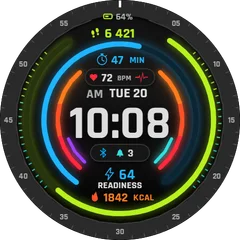 Coming soonNeon Fitness Rings Digital
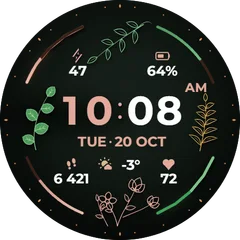 Coming soonFlower Elegant Digital
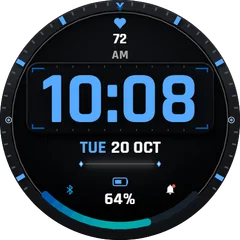 Coming soonMinimal Blue Digital
How to put a face on your Venu 4 45mm / D2 Air X15
- Open a face here and choose “Get it in the Connect IQ Store”.
- Install it with the Connect IQ app on your phone. It reaches the watch at the next sync.
- Change its colours and data fields in the face settings in Garmin Connect or Connect IQ.